Microsoft Outlook Search Feature not searching for partial words or numbers

Anonymous
2024-04-25T08:27:24+00:00

Hello,

I have several associates who are trying to search historical emails looking for invoice numbers in the subject of the email, this invoice number could be anything like #INV123456, if they search for just the numbers, in this case 123456 nothing comes up and in some cases when they search for the whole 'word' nothing comes up either!

These invoices may be in shared folders or inboxes as well but I have spent hours investigating and can't understand why outlook can't find these emails! I have re-indexed the mailbox, turned of cached mode etc, even tried installing a search macro using VB developer mode!

Any help would be greatly appreciated

Outlook | Windows | Classic Outlook for Windows | For home

Locked Question. This question was migrated from the Microsoft Support Community. You can vote on whether it's helpful, but you can't add comments or replies or follow the question.

0 comments No comments
{count} votes

7 answers

Sort by: Most helpful
  1. Anonymous
    2024-04-25T11:12:13+00:00

    Hello,

    Good day.

    Thank you for posting in the community.

    We've received your query and you can expect to receive a response from one of our community moderators accordingly.

    At this point, we appreciate your patience and cooperation. Thank you.

    Sincerely,

    Community moderator

    0 comments No comments
  2. Anonymous
    2024-04-25T11:48:46+00:00

    Hi David1928371AD,

    Have a Good day,

    Thank you for posting to Microsoft Community, we are happy to assist you.

    Outlook uses what's called prefix matching when searching. So, for example, if you type “ray” into the Search box, Outlook will return messages that contain “ray, Ray, Raymond, and rays, but not disarray or tray.” Also, the search treats numbers that are connected to words (no spaces between the word and the number) as part of the word. Searching for "365" will NOT find messages that contain "Office365".

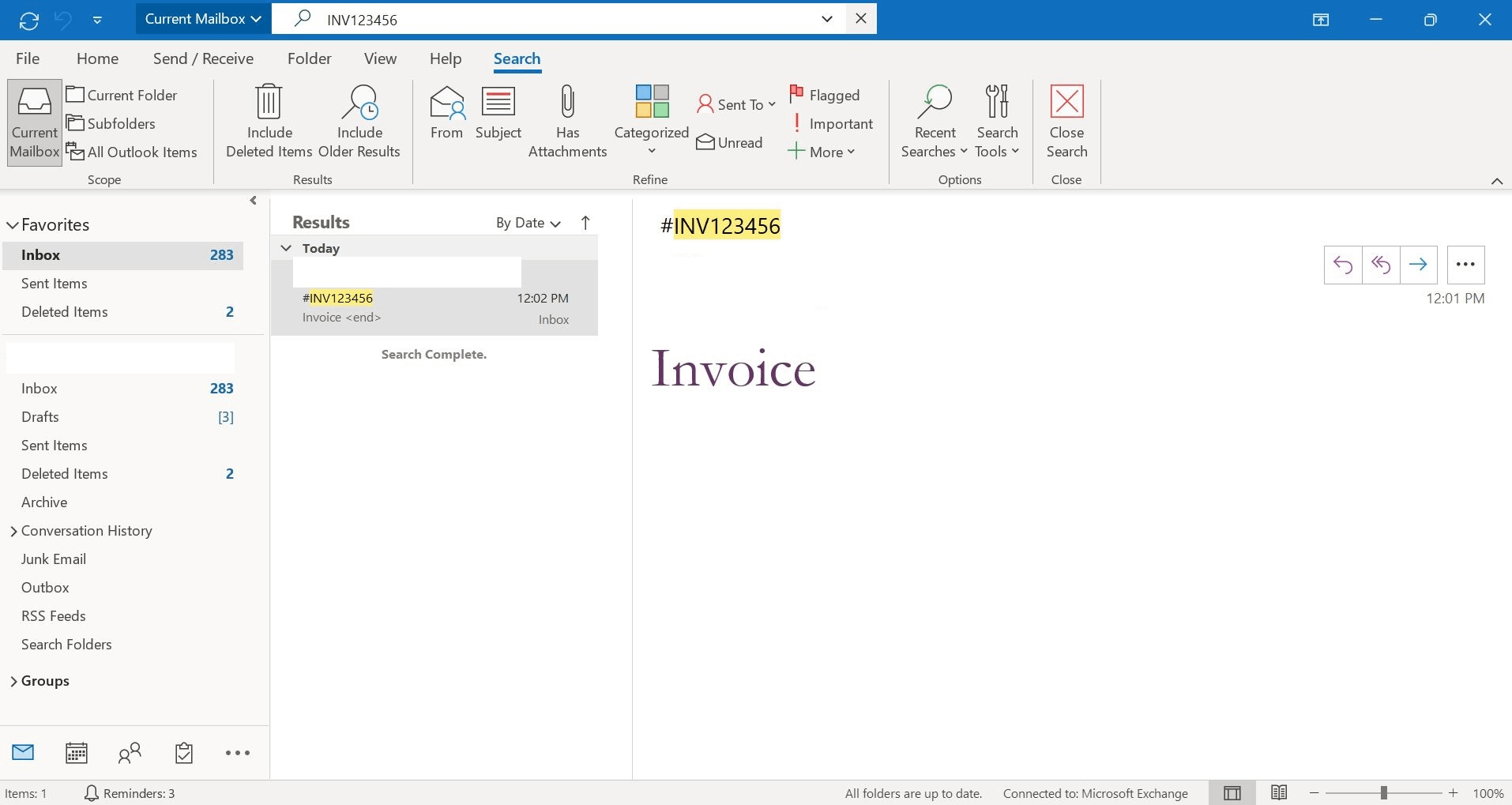
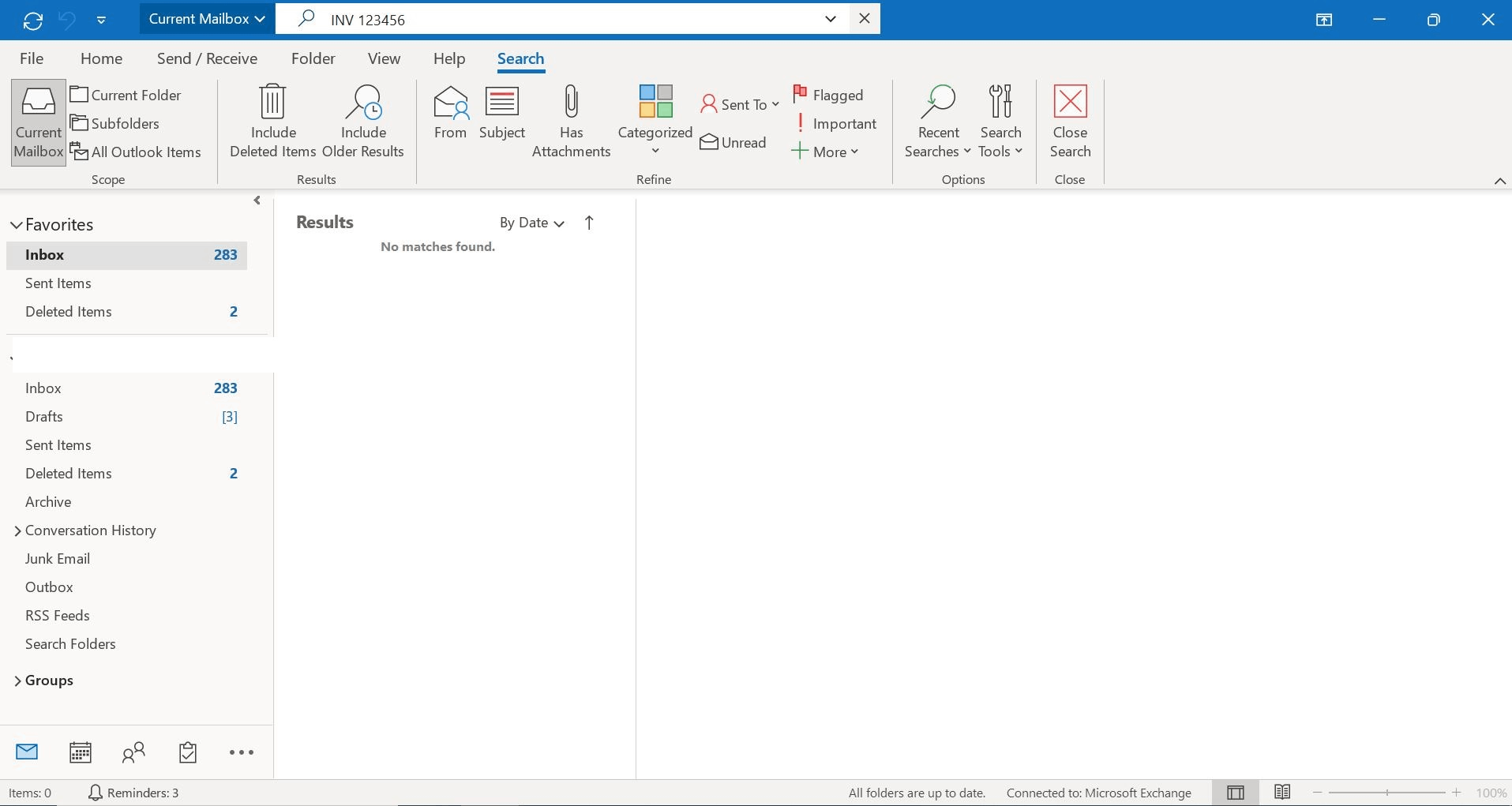
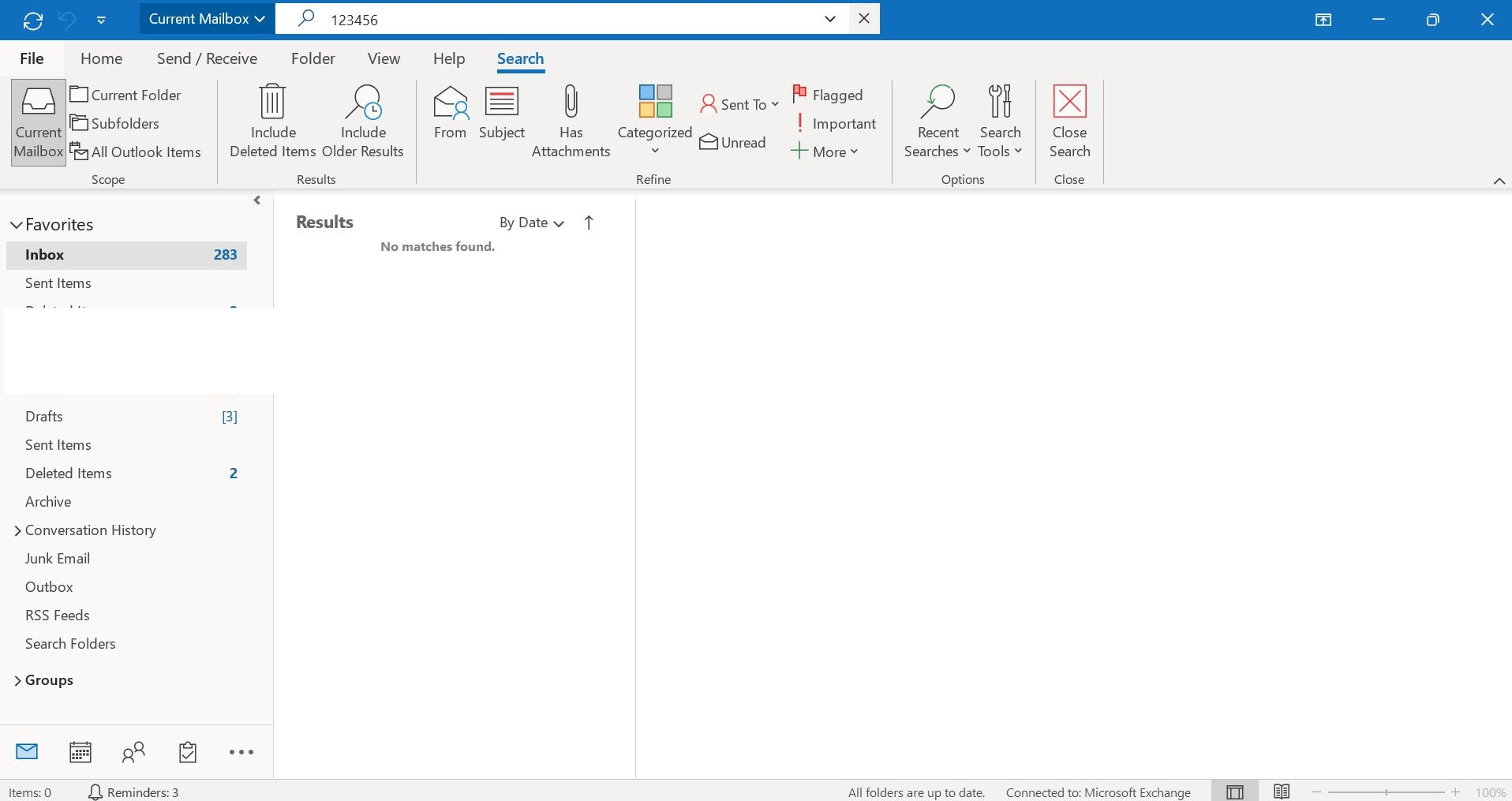
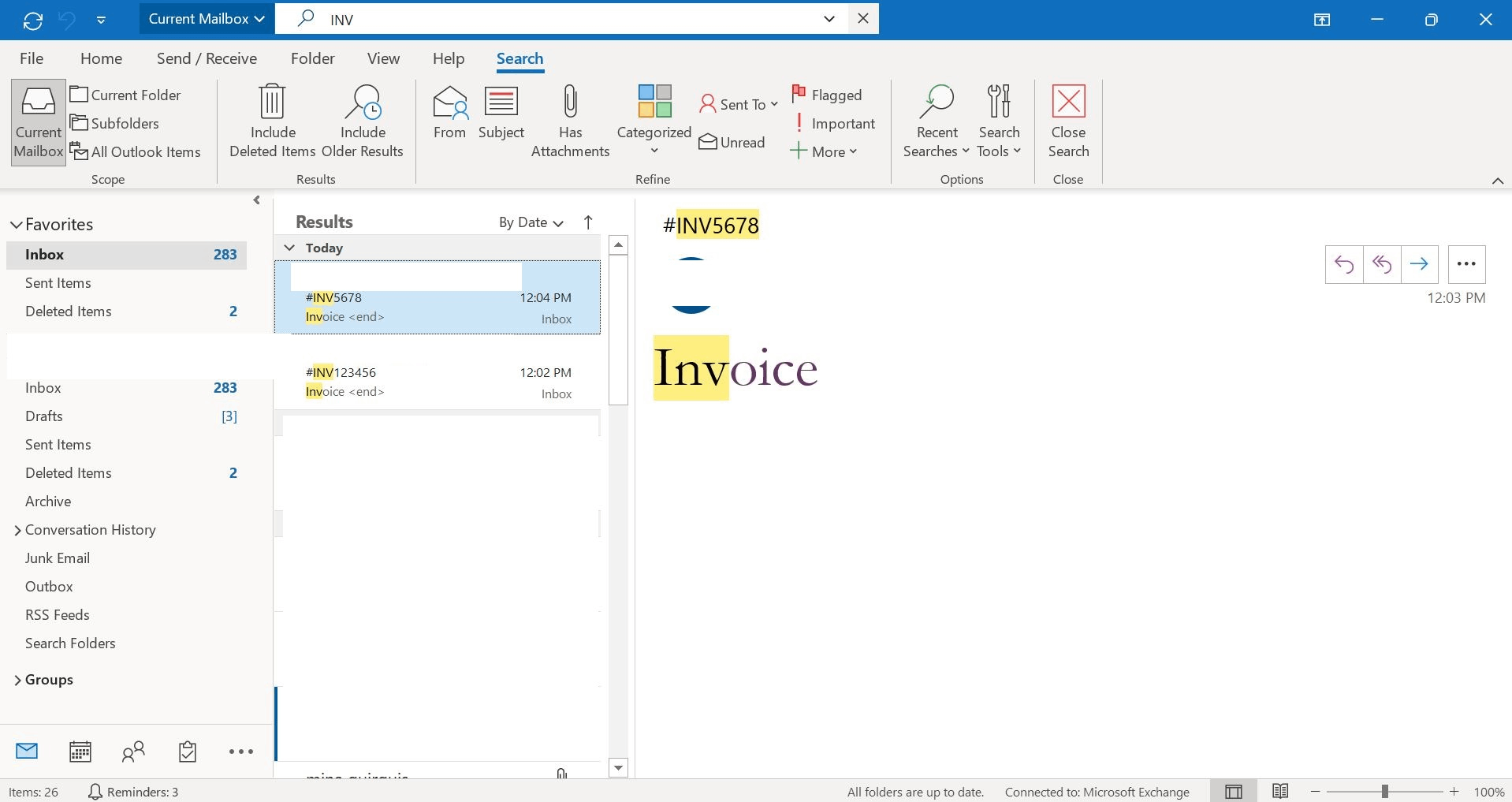
    Based on your provided example, we have checked at our end and when we type INV in the Outlook search field, Outlook search retrieves results for all INV (as per screenshot 1,2). Further in the search field when we space between the letters and the numbers, Outlook does not retrieve the search result (as per screenshot 3,4). Here are our test result screenshots.
    You can follow this Reference guide How to search in Outlook to optimize and enhance your search results.

    Please understand that our initial reply may not always immediately resolve the issue. However, with your help and more detailed information, we can work together to find a solution.

    Best Regards,

    Microsoft Community Moderator

    0 comments No comments
  3. Anonymous
    2024-04-25T12:47:16+00:00

    Hi Eleni,

    Thank you for the detailed explanation!

    It does make sense from the testing I have done myself, but I have some users who are able to search for partial numbers/ words and it does bring up the associated emails that contain those numbers or letters and even highlights it in yellow as shown above too, how is this possible? I have trawled the net for an answer or setting but can't find anything, technically this shouldn't be working for them but it is.

    1 person found this answer helpful.
    0 comments No comments
  4. Anonymous
    2024-04-25T14:34:43+00:00

    David,

    If you are connecting to an Exchange server I saw another report that is similar. Please see my post at the end of this thread, Outlook search tool doesn't find attachments - Microsoft Community. If server search is not working you might need to check with ISP. In the meantime you can set th registry key I shared to disable server search on the client so Outlook will use the local Windows Search for searching.

    0 comments No comments
  5. Anonymous
    2024-09-19T23:12:54+00:00

    i have the same issue, so how can we make it so that outlook DOES search for INV123456 even if we just type 123456? I guess most people ASSUME the search would include suffix too.

    4 people found this answer helpful.
    0 comments No comments