The problem started on the morning of the 3rd of December. My laptop had been working fine the night before. I tried to switch my laptop on but I was met with a message saying “ Preparing automatic repair” and since then I haven’t been able to switch my laptop on. This message always appears and never repairs anything.
Between “preparing automatic repair” and “diagnosing PC”, winpeshl.exe flashes quickly. I’m assuming it has something to do with why my laptop isn’t working
I’ve tried:
Resetting my PC (it says there was a problem resetting my PC)
Disabling TPM in BIOS ( no effect)
Deleting winpeshl after opening files through “System Image Recovery” (doesn’t allow me to delete it as it says it’s open)
sfc /scannow through the command prompt (says it has found and fixed corrupt files and will be taken into effect after rebooting)( I’ve let my laptop die multiple times and I still says the same thing)
I want to see if there are any solutions I can try before taking it to a repair shop 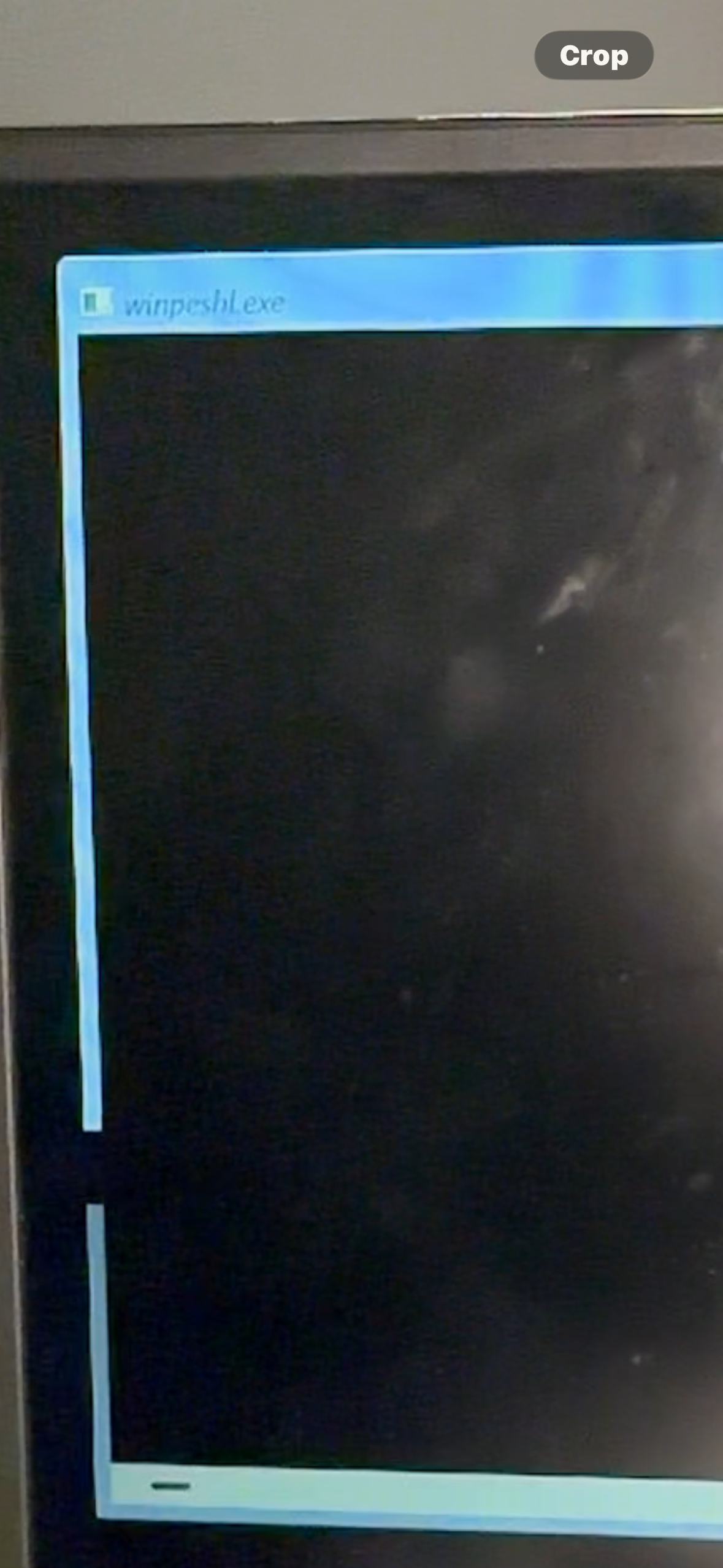
' cx='32' cy='32' r='32' /%3E%3Ctext x='50%25' y='55%25' dominant-baseline='middle' text-anchor='middle' fill='%23FFF' %3EN%3C/text%3E%3C/svg%3E)

